
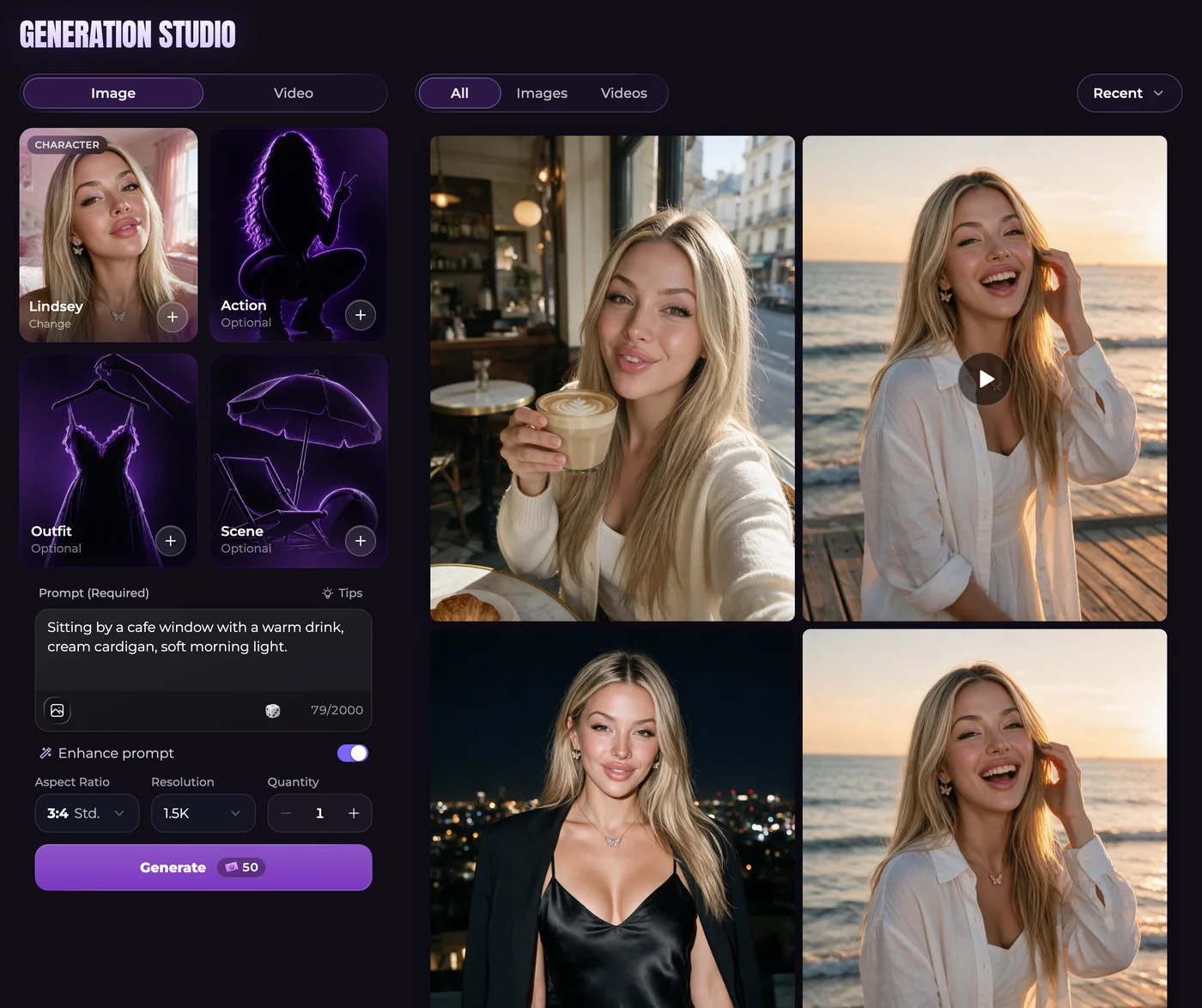
Describe what belongs in the picture
For a still, choose the companion and the visible action, setting, clothes and framing. Keep a written prompt consistent with any selected presets. An adult fictional potter beside a workbench needs a different composition from a close portrait; describe what the result must actually show.
Advanced image requests accept up to five reference photos selected from your Secrets gallery. Review the cost when changing image size, quantity or references, and inspect a result before requesting several variations.
Explain the change that happens over time
For a clip, start with a suitable image and decide on the movement. The potter could turn a bowl slowly while the camera remains steady. That gives you one action to assess without asking a single shot to change rooms, clothing and subjects.
The available video models support different durations, resolutions, sound and reference options. An end frame is useful only where supported. Video requires a paid plan and enough Moments for the total shown before generation.
Review spending and output as separate questions
Check the selected subject, settings and total together. Unlimited text messaging does not make images or clips unlimited. A monthly grant and purchased Moments also have different renewal treatment, so a balance figure alone is not a complete spending plan.
When the result is ready, inspect it before downloading or reusing it. A request blocked before generation is not charged; one that fails after starting receives its Moments back. A completed result you dislike is different. For a broken image needing review, use generation support guidance.
Questions and answers
Can an existing gallery image be my video starting point?
Yes, where the source is supported. Look over the still first so an appearance or composition problem is not carried straight into the animation request.
Will choosing a model or reusing a prompt spend Moments immediately?
No. Preparing the form and submitting it are separate actions. Review the complete cost after changing the settings and before sending the request.
How do I budget when different outputs have different costs?
Read the Moments explanation, then the total in the relevant form. A sample rate does not cover every model, size, quantity or duration, and each additional request needs its own review.